
An audio replay buffer for Windows.
You hear a useful explanation, a funny voice-chat moment, or an idea worth saving. By the time you think to press Record, it has already happened.
Pre-record keeps recent audio from your selected apps in a rolling memory buffer. Choose 30 seconds, 1 minute, 2 minutes or 3 minutes. While it is enabled, new sound takes the place of the oldest sound. Buffered audio stays in RAM until you save it.
The moment is already in memory.
Buffer options: 30 seconds, 1, 2 or 3 minutes.
Pre-record must be switched on before the moment happens. Timeline is illustrative, not to scale.
Two ways to keep what you just heard.
Start a recording from the past.
Press Record and the file starts at the beginning of the audio already in the buffer. Then recording continues normally. The start of a useful explanation can be included even when you decide to record a little later.
Save a clip without starting a recording.
Press Ctrl + Alt + M. The app saves the buffered stretch plus the next 3 seconds as a standalone clip. You can also use the clip action in the Record tab’s menu. The shortcut is changeable in Settings.
Switch it on before the moment.
Pre-record cannot recover audio from before it was enabled. If you have only filled part of the buffer, only that available audio can be saved.
Keep it ready in the background.
- Choose the app or apps you want to capture.
- Enable Pre-record and choose your buffer length.
- Check the status line to see how much audio is in memory.
- Keep the recorder running. Closing the window leaves it in the notification area.
- Use Record for a longer session, or Ctrl+Alt+M for a clip.
If the selected app closes, Pre-record stops and tells you. Exiting the recorder completely also ends buffering.
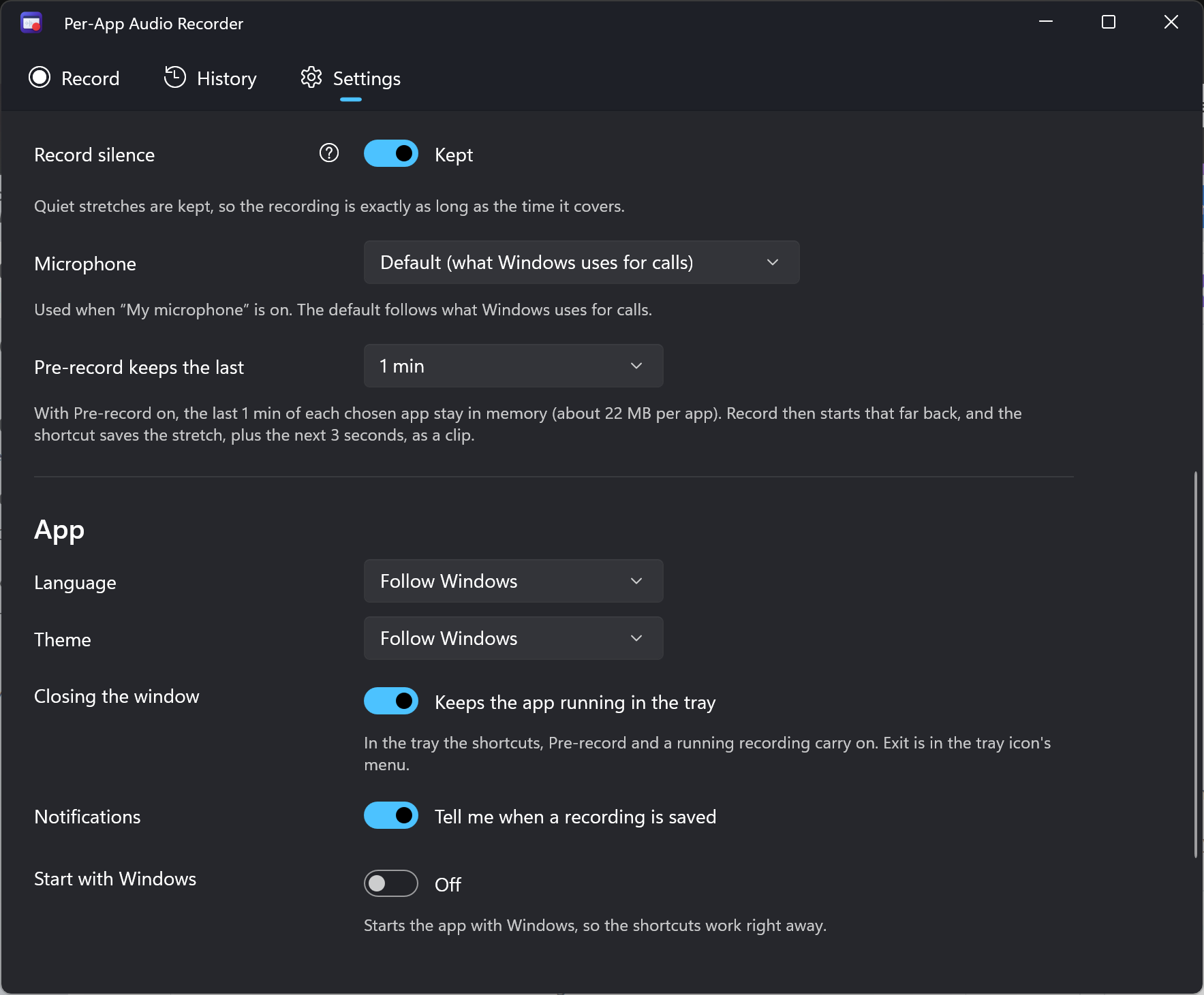
Choose a buffer that fits your workflow.
| Buffer length | Memory per app | Useful for |
|---|---|---|
| 30 seconds | 11 MB | A quick reaction or voice-chat moment |
| 1 minute | 22 MB | A short answer or explanation |
| 2 minutes | 44 MB | A longer thought or conversation |
| 3 minutes | 66 MB | More context before you press Record |
The memory estimate is also shown in the app’s Settings. Recording several apps uses a buffer for each app.
One shortcut. Several useful moments.
Keep a game audio recorder ready for the moment that makes everyone laugh. Buffer a browser lecture while you listen. Save an explanation from a call without recording the whole session.
App isolation still applies: only the apps you selected go into the recording. Protected audio cannot be captured. For calls and classes, make sure you have the required permission to record.